Introduction: Programming Will Never Be the Same
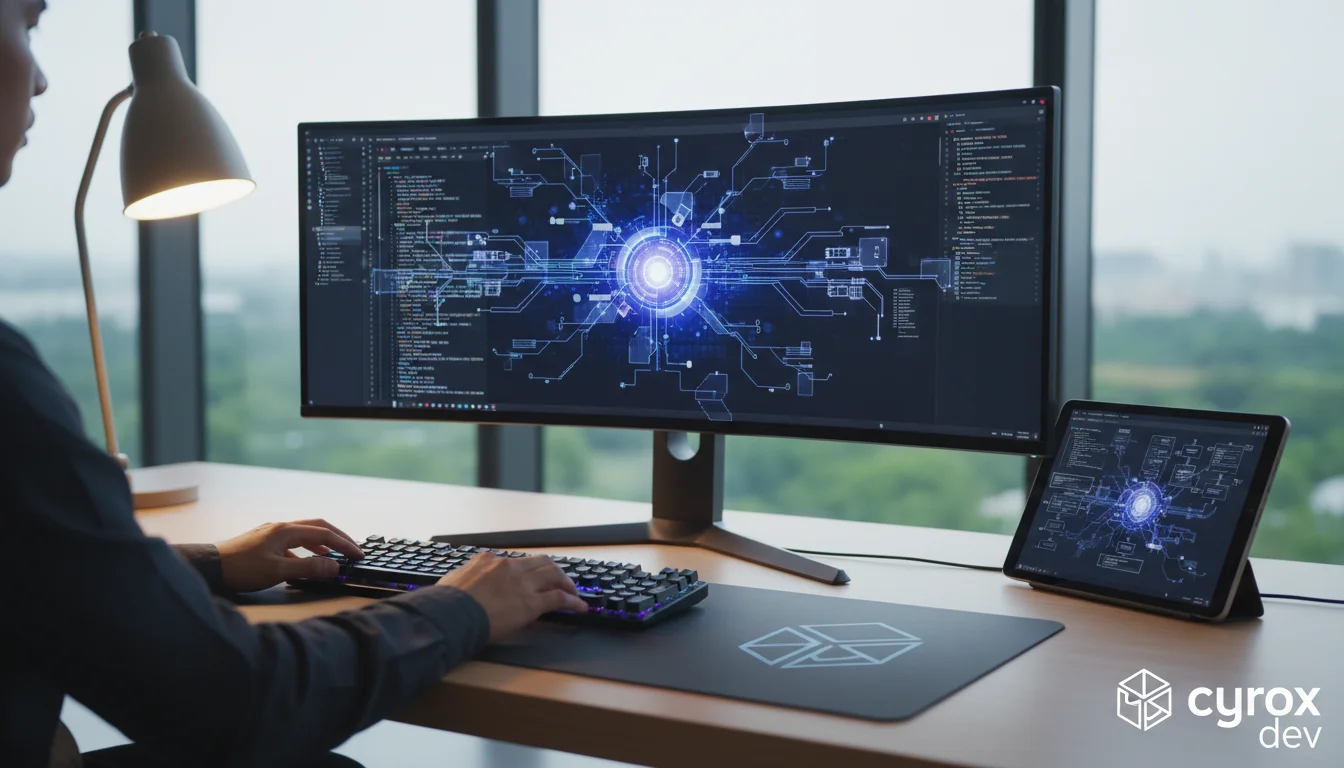
A quiet revolution is underway in the world of information technology. It’s not driven by a new framework or a groundbreaking programming language. Its engine is artificial intelligence, which is penetrating the very foundation of digital product creation: the process of writing code. Tools that seemed like science fiction just yesterday are now a standard part of the IDE (Integrated Development Environment) for hundreds of thousands of programmers. We're talking about AI code assistants, with GitHub Copilot being the most prominent example.
This is no longer just smart autocompletion that suggests variable or function names. It's a full-fledged partner capable of generating entire blocks of code, writing tests, translating algorithms from one language to another, and even explaining complex code snippets in plain English. Their emergence marks a fundamental shift in the developer profession: the focus is moving from the routine typing of syntactic constructs to solving higher-level problems—architecture, logic, and business goals.
In this article, we'll take a deep dive into what AI assistants are, how they work under the hood, the real benefits they bring to development teams, and the risks associated with their use. Most importantly, we'll provide practical advice on how to properly integrate them into your company's workflows, so you're not just following trends but gaining measurable business value.
What Are AI Code Assistants and How Do They Work?
To understand the full power of modern AI assistants, it's important to trace their evolution. Programmers have always sought to automate routine tasks, and the tools for this have constantly improved, from syntax highlighting to powerful autocompletion systems like IntelliSense, which analyzed a project's code to suggest relevant methods and variables.
From Autocompletion to Generation
Traditional tools operated based on static code analysis and predefined rules. They knew the language's syntax and your project's structure, but they didn't understand the programmer's "intent." AI assistants have made a quantum leap. They are based on large language models (LLMs) trained on billions of lines of open-source code from platforms like GitHub. These models have learned not just to recognize syntax but to capture patterns, idioms, and logical connections in code.
Instead of just suggesting the next method, an AI assistant analyzes the context—your comment, the function name, the code you've already written—and generates what it considers the most likely continuation. This could be a single line, an entire function, or even a whole class. It acts like an incredibly experienced programmer who has seen thousands of ways to solve a similar problem and offers you the most common one.
Under the Hood: The Mechanics of GitHub Copilot
Let's see how this works in practice. When you write code in your IDE with the Copilot plugin active, the following process occurs:
1. Context Collection. The plugin gathers information: the text in the current file, open adjacent tabs, the programming language, the file name, and even code snippets related to your project. It's important to understand that it doesn't scan your entire codebase but only takes the context relevant to the current task.
2. Request to the Model. The collected context is sent to GitHub's servers (or Microsoft Azure), where it's processed by a specialized LLM, such as a model from the OpenAI Codex or GPT-4 family.
3. Response Generation. The model analyzes the request and generates several code continuation options, ranking them by probability. These suggestions are sent back to your IDE.
4. Display. You see the suggested code directly in your editor as "ghost" text, which you can accept with a single key (Tab) or cycle through different options.
Thanks to this mechanism, AI assistants are capable of performing an impressive range of tasks:
Code generation from comments. You can write a comment in natural language, like `// A function that takes a string and returns it reversed`, and Copilot will generate the complete implementation.
Autocompleting complex blocks. When you start writing a loop or a complex data structure declaration, the assistant can provide a complete, logically finished block of code.
Writing unit tests. This is one of its strongest features. You can ask the assistant to write tests for an existing function, and it will generate the main test cases (happy path, edge cases).
Transpilation. Translating code from one language to another. For example, you can take a Python snippet and ask it to be rewritten in JavaScript.
Explaining code. By highlighting a confusing snippet, you can request an explanation, and the AI assistant will describe what the code does in simple terms.
The Benefits of Integrating AI Assistants into Your Development Team
Integrating AI assistants is not just about following a trend; it's a strategic investment in team efficiency. The advantages are evident on multiple levels.
Accelerated Development and Increased Productivity
This is the most obvious and measurable benefit. According to a GitHub study, developers using Copilot complete tasks 55% faster. This effect is achieved by automating routine and boilerplate code. Instead of manually writing standard loops, database connections, or configuration files, the developer delegates this to the AI. This frees up their time and mental energy to focus on more complex and creative tasks that require a deep understanding of business logic and architecture.
Reduced Cognitive Load
Modern development requires keeping a vast amount of information in your head: the syntax of multiple languages, framework specifics, third-party service APIs, and internal code style conventions. An AI assistant acts as an "external memory." You don't need to remember the exact function name or the order of arguments—the assistant will suggest them. This allows you to stay in a "flow state" longer, without being distracted by searching for information in documentation, and to concentrate on the application's logic.
Improved Code Quality and Onboarding
For junior developers, an AI assistant can be an invaluable mentor. It suggests idiomatic, widely accepted ways to solve problems, helping newcomers quickly learn best practices and the team's coding style. It's also useful for experienced specialists when transitioning to a new tech stack. Instead of spending a long time studying documentation, they can start writing code immediately, getting hints from an AI trained on millions of examples in that new framework. This significantly speeds up the adaptation process and lowers the entry barrier for new technologies.
Potential Risks and How to Mitigate Them
Despite all the benefits, blindly implementing AI tools can do more harm than good. It's crucial to be aware of the risks and develop strategies to manage them.
Security and Code Confidentiality
The primary concern for many companies is sending proprietary source code to third-party servers. And this is a valid concern. Standard versions of AI assistants may use snippets of your code to further train their models.
Practical advice: For corporate use, you must choose enterprise solutions like GitHub Copilot for Business or Amazon CodeWhisperer Professional. They provide legal guarantees that your code will not be used for model training and will remain completely confidential. Carefully study the privacy policy and terms of use for any tool you plan to implement.
Code Quality and 'Hallucinations'
The AI model doesn't "understand" the code; it merely predicts the next most likely sequence of characters. This can lead to errors: the code might be syntactically correct but logically flawed, inefficient, or, worst of all, contain hidden security vulnerabilities.
Practical advice: Implement a golden rule in your team: "Don't trust, verify." The developer remains ultimately responsible for the code's quality and security. The following practices should be mandatory:
Thorough code reviews. All AI-generated code must be reviewed by another team member.
Use of static analyzers (linters). These tools automatically find potential issues and style inconsistencies.
Full test coverage. Unit and integration tests are the best way to ensure that the generated code works as expected and doesn't break existing functionality.
Licensing Risks and Codebase 'Poisoning'
The models are trained on open-source code, including projects with viral licenses (like GPL), which require derivative works to also be open source. There's a hypothetical risk that the AI could generate a code snippet subject to such a license, creating legal problems for your commercial product. Modern tools typically have built-in filters to prevent this, but the risk cannot be entirely eliminated.
Practical advice: Use the built-in filters in enterprise versions of AI assistants that block suggestions matching public code. It's also useful to periodically use scanners to check dependencies and code for license compliance.
A Practical Guide: How to Integrate AI Assistants into Your Team
To ensure a smooth and beneficial implementation, follow these steps.
Step 1: Choose a Tool
The market for AI assistants is constantly growing. The most popular ones today are:
GitHub Copilot: The market leader, with deep integration into the GitHub ecosystem and powerful models from OpenAI.
Tabnine: Emphasizes privacy and offers options for on-premise model deployment, which is critical for some companies.
Amazon CodeWhisperer: Well-integrated with the AWS ecosystem, it includes a built-in security and license scanner.
Choose a tool based on your technology stack, security requirements, and budget.
Step 2: Pilot Project and Training
Don't rush into buying licenses for the entire company. Start with a pilot group of 5-10 developers who are open to new technologies. Conduct an introductory workshop for them, explaining not only how to use the tool but also how to formulate requests (comments) correctly for the best results, and discuss the potential risks. The goal of the pilot is to assess the real productivity gains and collect feedback.
Step 3: Gather Feedback and Scale
After 2-4 weeks of the pilot project, gather feedback: what they liked, what challenges they faced, and on which tasks the tool was most helpful. Based on this information, develop internal guidelines and best practices for using the AI assistant in your company. Only then, armed with a successful case study and clear rules, should you start scaling the solution to other teams.
The Future of Development: A Human-AI Symbiosis
AI assistants are just the beginning. The next step will be AI agents capable of not just suggesting code snippets but independently performing high-level tasks: "create an API endpoint for user registration with validation and save it to the database" or "find and fix the bug described in this ticket." The developer's role will increasingly shift from writing code to reviewing it, as well as defining tasks, designing architecture, and controlling quality. The core skills will be the ability to decompose complex problems, clearly formulate requirements for the AI, and critically evaluate its proposed solutions.
Companies that start mastering the symbiosis of humans and artificial intelligence in development today will gain a massive competitive advantage tomorrow. This is not a threat to programmers but a powerful tool that allows us to create better products faster than ever before.
At Cyrox.dev, we don't just follow trends; we actively integrate cutting-edge AI tools into our workflows. This allows us to accelerate the development of web services, mobile applications, and Telegram Mini Apps for our clients. Contact us to find out how the synergy of an experienced team and modern AI technologies can help bring your most ambitious IT projects to life.